
Tulsa EnrichED Hub
This is a resource page for CURRENT Tulsa EnrichED club leaders.
Not a current club leader? Visit this page to learn more about Tulsa EnrichED!
Quick Links
Spring 2026 Program Schedule
If the below dates change, we thank you in advance for your understanding!
NOVEMBER 10th Application Opens
DECEMBER 7th Application Closes
DECEMBER 19th Leader Notifications
JANUARY 7th, 8th, or 10th Mandatory Orientation *** leaders to choose one session
JANUARY 12th First Day of Clubs
MAY 15th Final Day of Clubs
MAY 22nd TIDEL Deadline
JUNE 12th Anticipated Payment Date

Fall 2026 Program Schedule
If the below dates change, we thank you in advance for your understanding!
JULY 13th Application Opens
AUGUST 17th Application Closes
AUGUST 21st Leader Notifications
SEPTEMBER 2nd, 3rd, or 5th Mandatory Orientation *** leaders to choose one session
SEPTEMBER 14th First Day of Clubs
DECEMBER 18th Final Day of Clubs
DECEMBER 21st TIDEL Deadline
SECOND WEEK OF JANUARY 2027 Anticipated Payment Date

Resources for Tulsa EnrichED Leaders
-
Please click the link to download.
-
You can be reimbursed for supplies you purchase for your club—but only up to the amount listed in your signed MOU (Memorandum of Understanding).
Here’s what you need to do:
Check your MOU to see how much money you were approved for.
Buy your supplies—make sure they relate directly to your club.
Save your receipts! You must turn in itemized receipts to get reimbursed. Date of purchase MUST BE VISIBLE.
Submit your receipts using this supply reimbursement form by the deadline provided.
If you spend more than what’s listed in your MOU, you will not be reimbursed for the extra amount.
Need help? Contact our team before you buy!
-
Step-By-Step Guide to Enrolling in Bill.com:
To create your Bill.com account you will need: personal information, mailing address, DOB, SSN/TEIN, your bank account number and bank routing information.
No later than two weeks after your orientation date you should receive an e-vite from Bill.com that will directly tie you to our bill.com. You will receive this evite to the email address provided on your application.
In the invite email, you will need to select Accept Invitation and will be redirected to the bill.com signup page.
You will fill out some basic information, create a password, then select Create Account.
You will then enter your mobile number for 2-step verification and select Send Code.
You will be prompted to enter the 6 digit code your receive from bill.com. Enter code, select Submit.
You will be asked to select your account type, and enter some additional information about yourself. Please note that you will not be paid as a company.
You will be prompted to enter your bank account information. Please enter the bank account you’d like to receive your payment and reimbursement. You will receive a test deposit of $.01 (penny) from bill.com to verify your bank account.
Once you have setup your account with your bank details, there is NO further action needed on your part for bill.com.
Please disregard any emails from bill.com prompting you to create an invoice.
Need technical assistance with your bill.com account? Live help is available on their website https://help.bill.com/direct/s/
-
Missed Orientation? Want a recap?
Click through the slides here: Orientation Spring 2026Reach out to Greg Lowry if you need access to the virtual orientation.
TIDEL Support
Click on the videos below for support with TIDEL.
Questions? Reach out to Greg Lowry at glowry@theopp.org
Accessing TIDEL
Creating Your Club
Enrollment and Attendance
Tulsa EnrichED Team
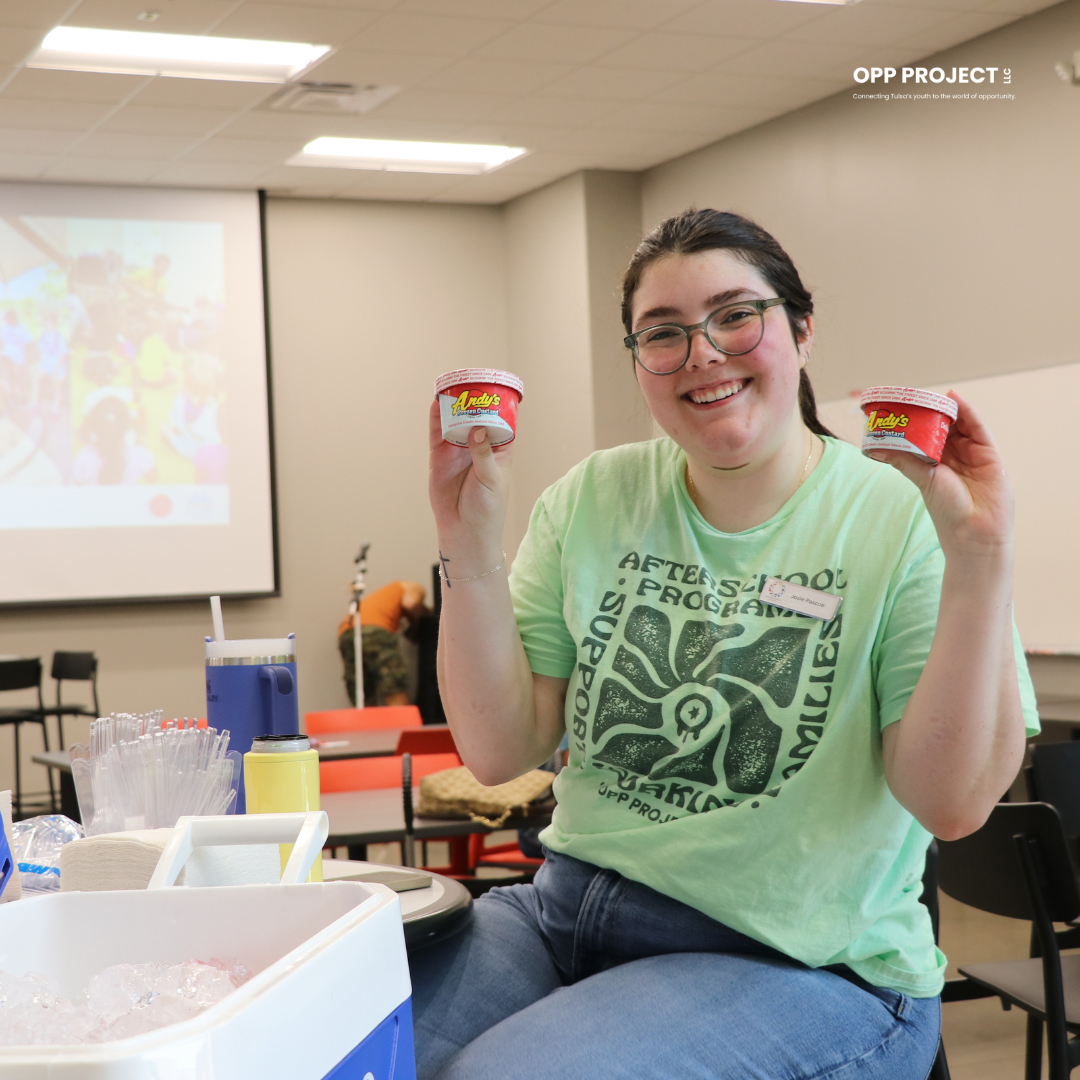
Partnership and Professional Learning SpecialistJosie manages half of our Tulsa EnrichED sites, including 99 clubs in Spring 2026! She is also your contact for fundraising or event support.
Josie Pascoe, MPA

Development and Partnership SpecialistEmily manages half of our Tulsa EnrichED sites, including 104 clubs in Spring 2026! She is also your point of contact for any questions about supply reimbursement.